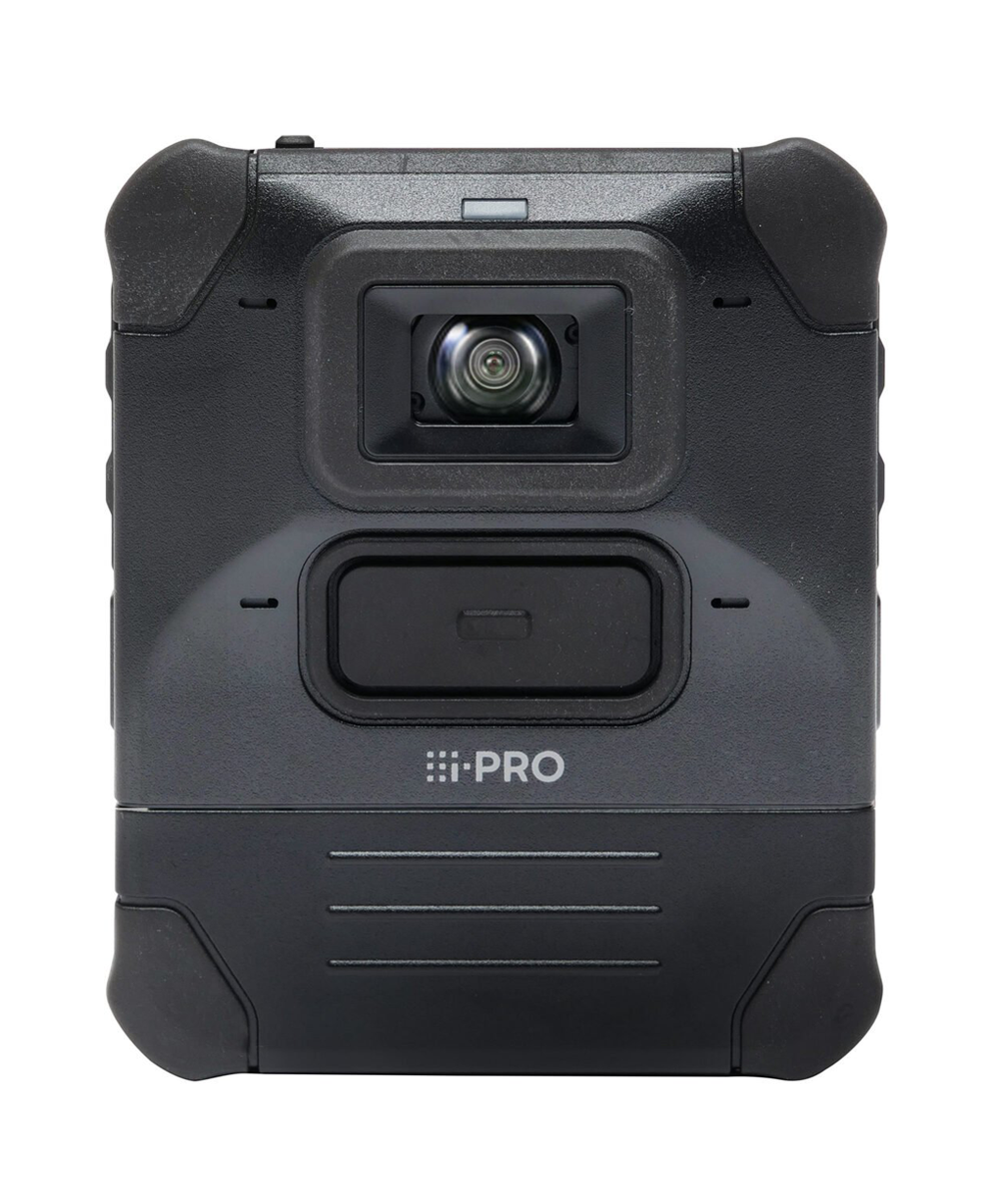
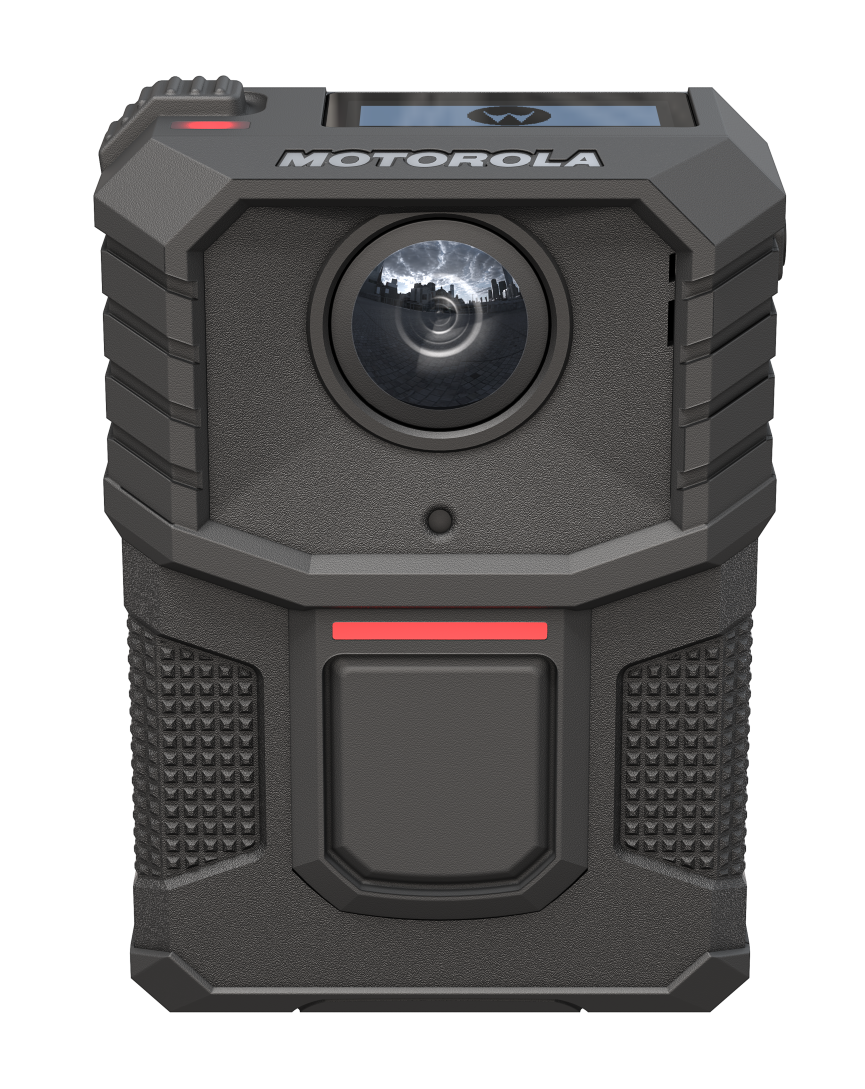
Evidence capture solutions

Capture, store, and manage evidence with confidence
radio wave accent image

Single-platform evidence capture

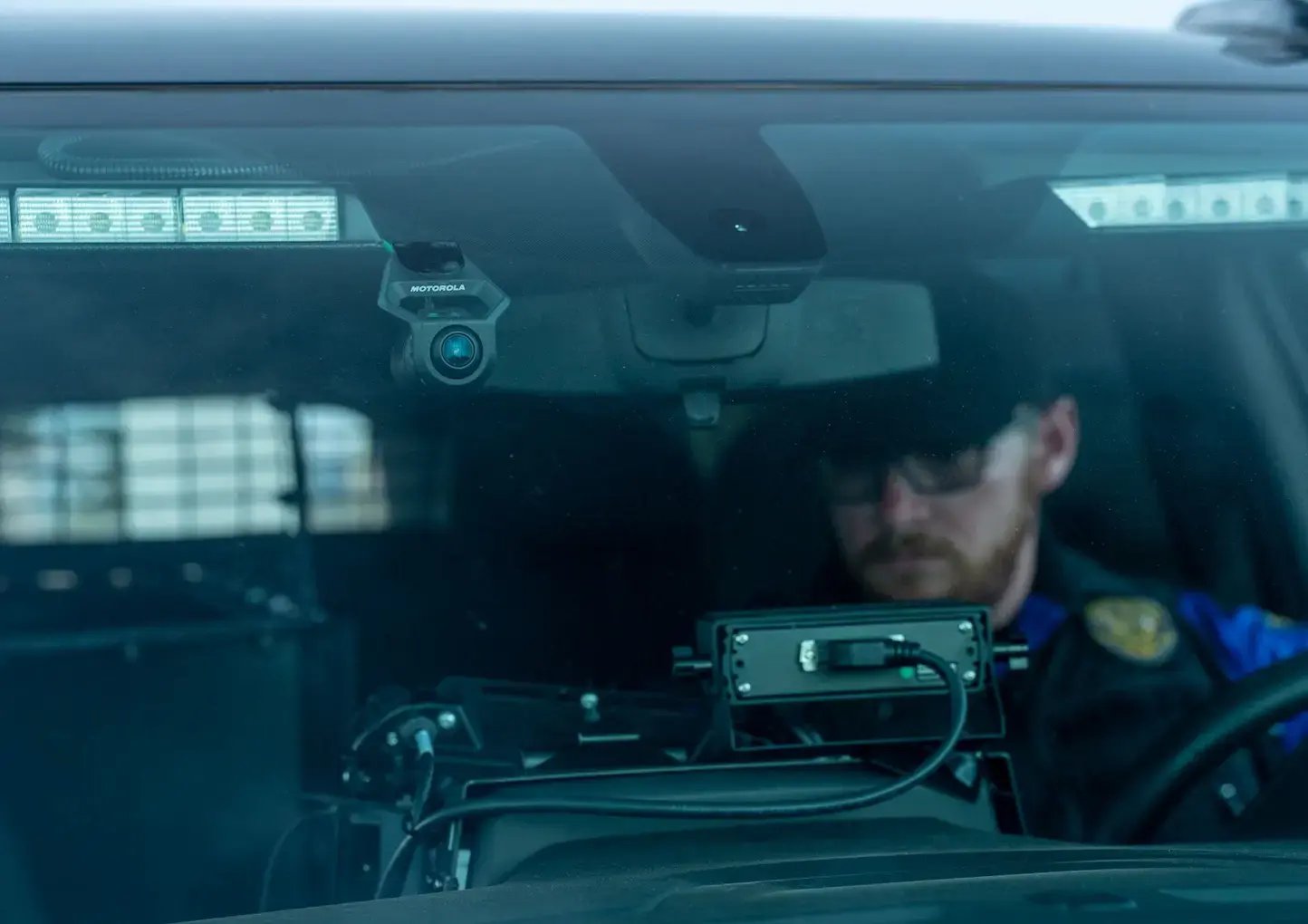
From in-car video to body-worn cameras, BAYCOM delivers a unified evidence capture solution that simplifies the entire process. With secure, scalable software that integrates seamlessly with your recording devices, we help public safety teams capture, store, and manage evidence in a single platform and without headaches.

in-car-video

Start here to discover your solution

Digital evidence management software

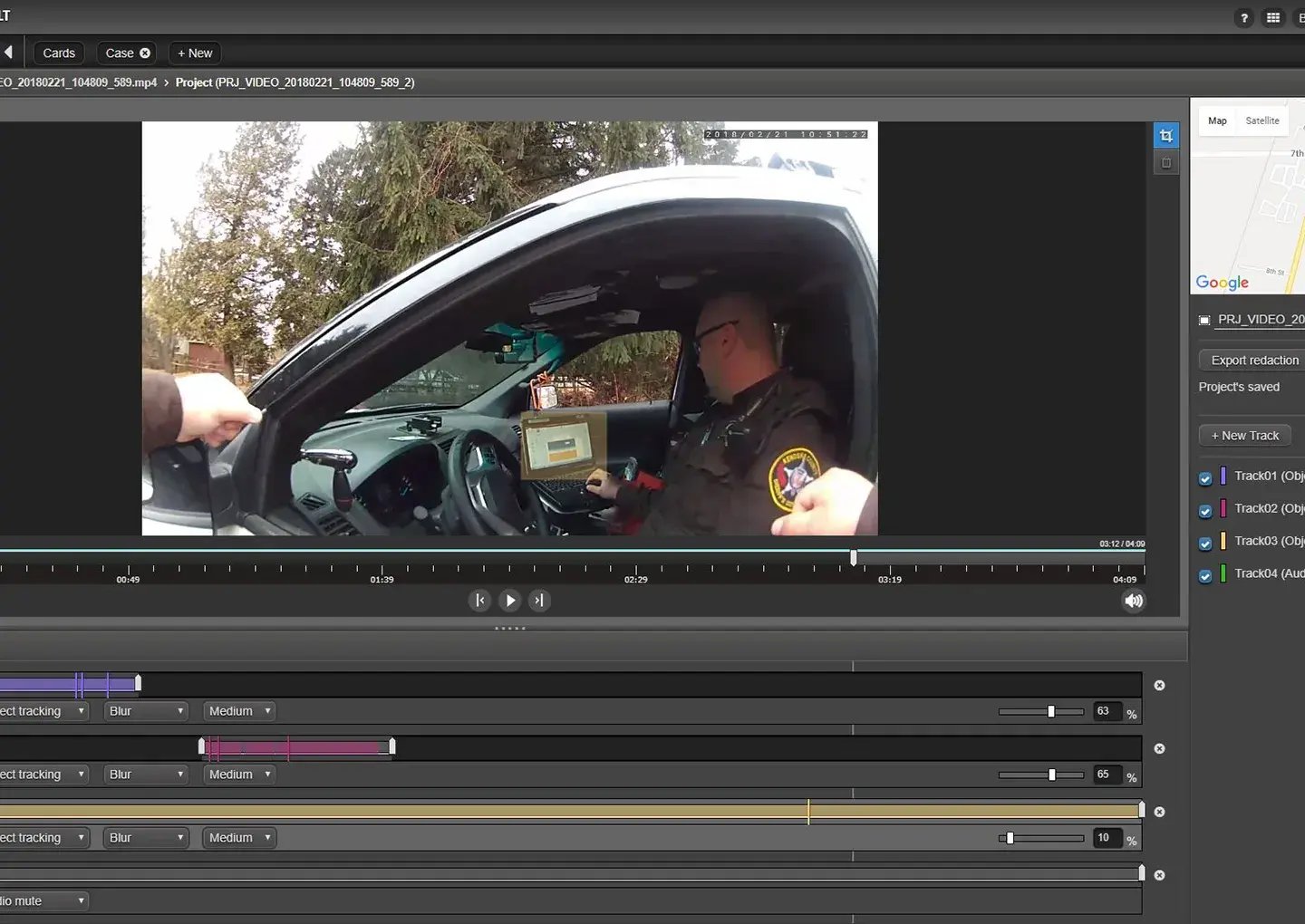
Access and automatically organize the content you need with BAYCOM’s digital evidence management software solutions: Motorola CommandCentral Vault software and Panasonic Unified Digital Evidence software:

  • Correlate incident reports with video footage from multiple sources
  • Organize and retrieve case evidence from a single secure dashboard
  • Maintain complete audit logs for compliance and accountability
  • Distribute digital case files quickly to authorized personnel
commandcentral_vault_redaction_project_screenshot

Test evidence capture technology

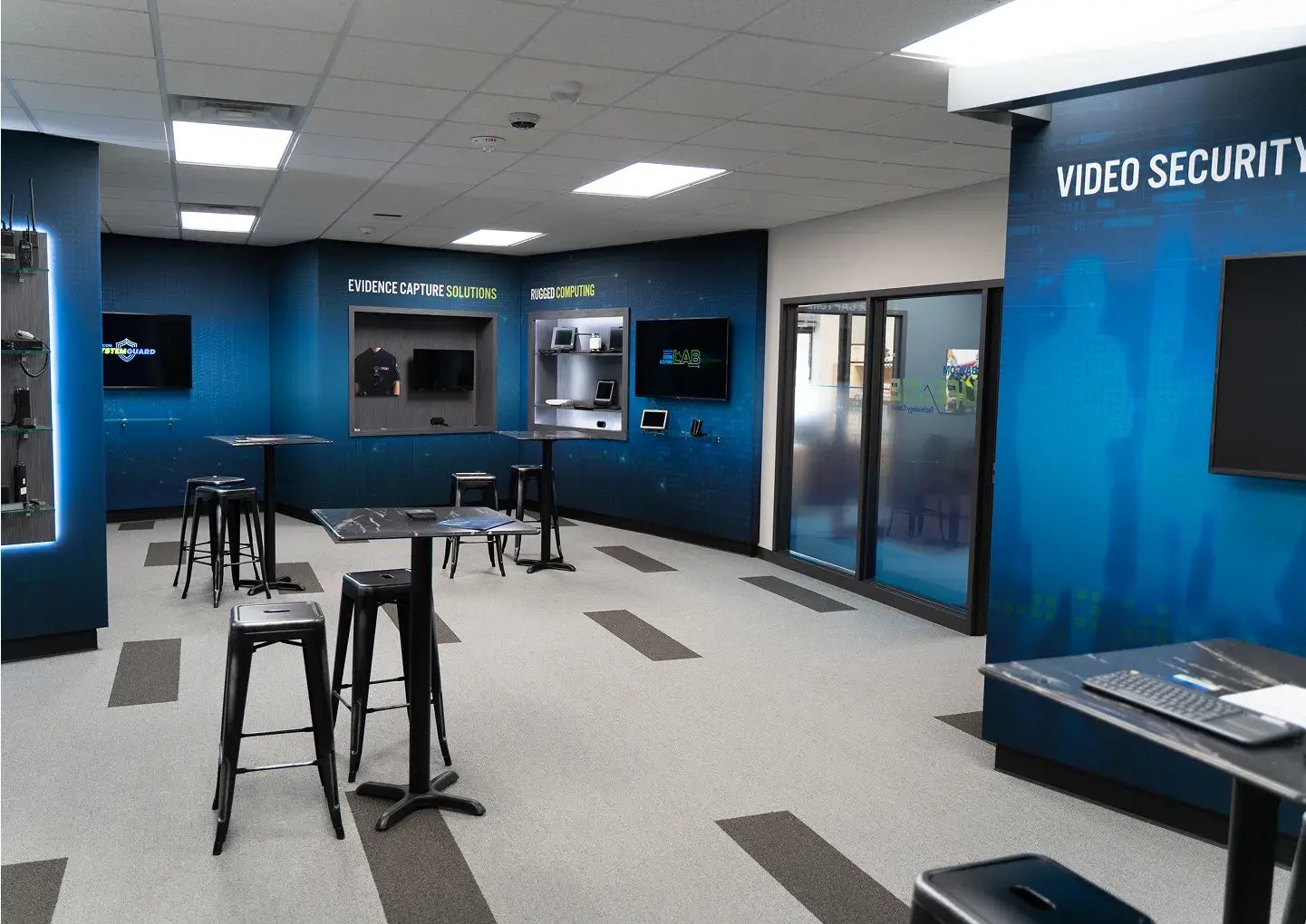
inside-front-office

Test BAYCOM’s in-car video systems and body-worn camera solutions at our Lifeline Technology Center and Systems Acceptance Lab. From hands-on demos to fully integrated system tests, see how our solutions work together to protect your people, property, and evidence integrity. Schedule your live, in-person demo to get started.

radio wave accent image

Integrated
evidence capture solutions

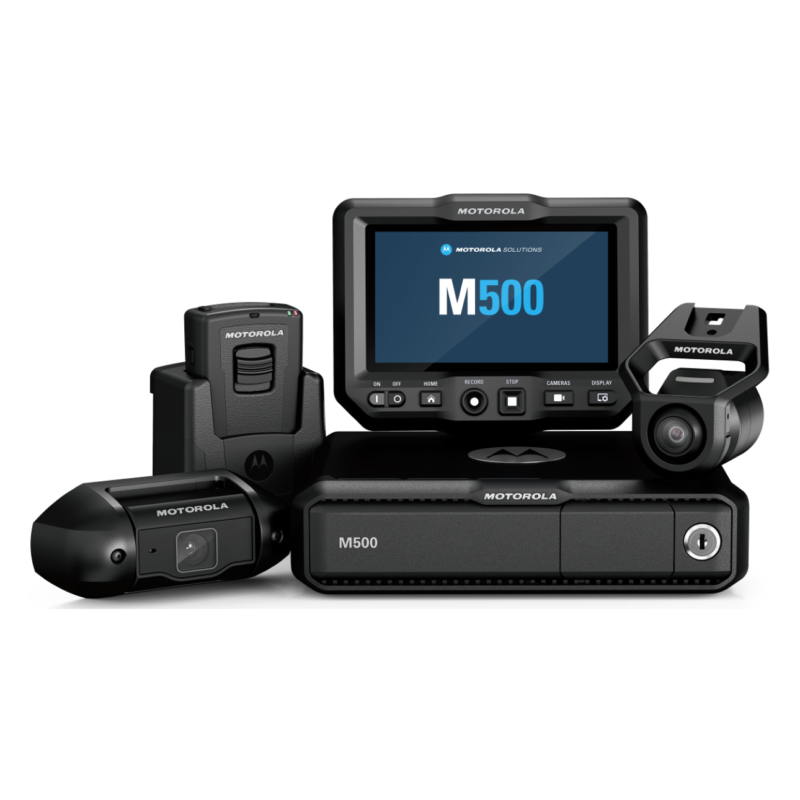
BAYCOM’s Motorola Solutions and Panasonic evidence capture solutions can serve as part of a seamless unified ecosystem. Integrate with rugged TOUGHBOOK® devices and the Command Center, trigger dispatch based on in-car or body camera video, and securely manage all data with unified digital evidence management software.

These intelligent systems work together to help you gain more context and respond quickly with less manual effort. With BAYCOM, you receive fully integrated support, including planning, installation, training, and ongoing system maintenance.

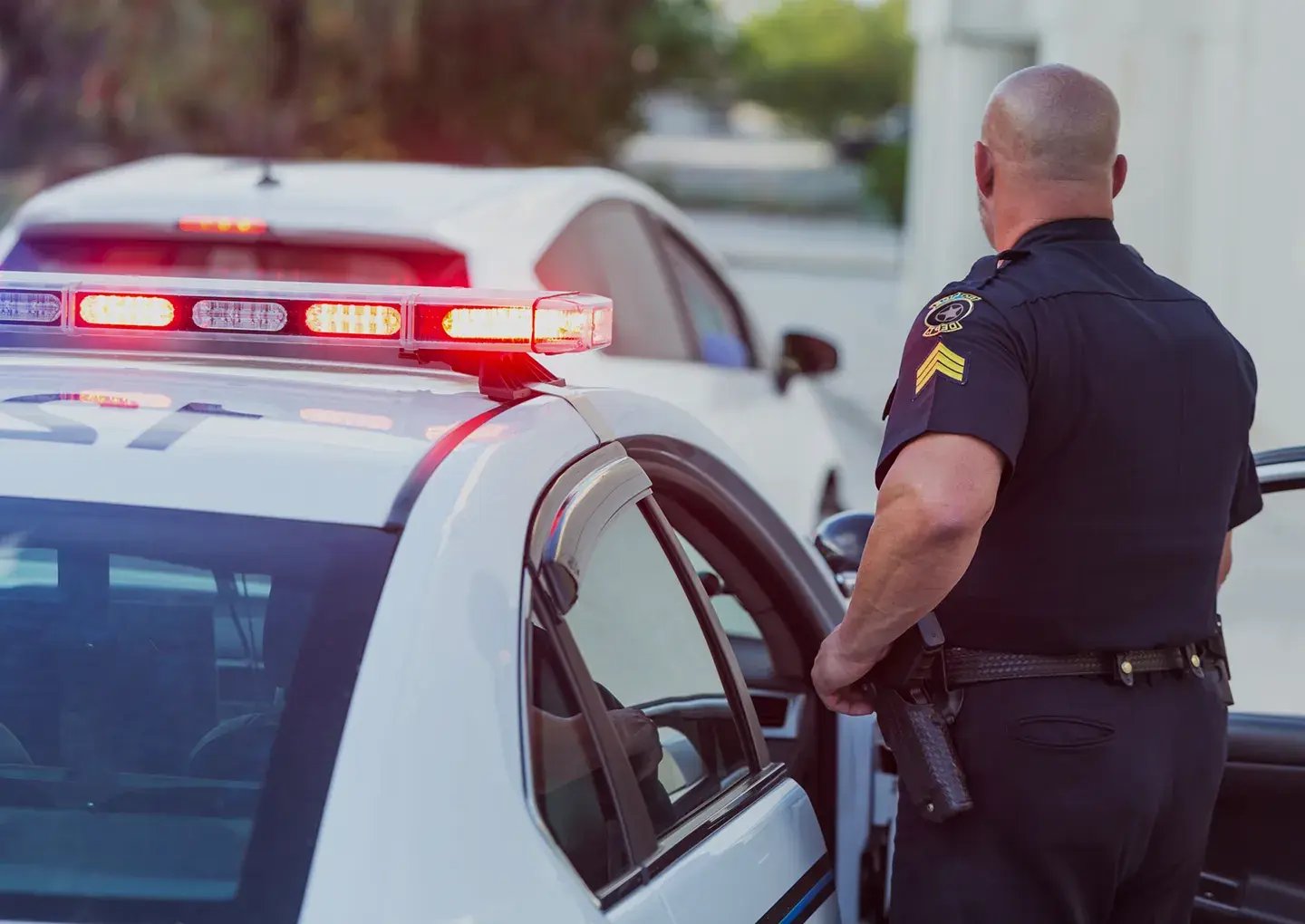
law enforcement

Protect your evidence capture solutions with

BAYCOM’s SystemGuard Service

Keep your mission-critical communication systems performing at their best, long after deployment.

system-guard-logo-and image

Meet your trusted advisors
for evidence capture solutions

With decades of experience in law enforcement technologies, the BAYCOM team brings deep technical knowledge, strategic insight, and a passion for helping customers find the right solutions. Connect with them to talk through your needs. 

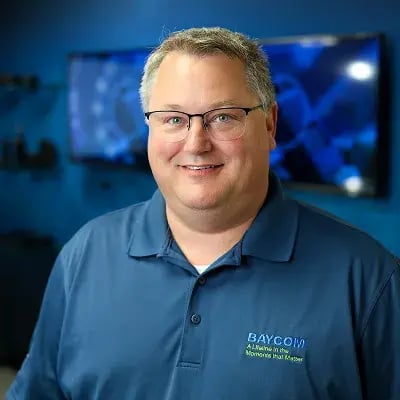
Scott Johnson

Senior VP of Sales & Technical Operations

Specializing in large-scale deployments and technical strategy for Motorola evidence capture solutions, Scott brings nearly two decades of experience serving security teams and law enforcement.

Scott-Johnson

Eric Urben

Sales Manager

An expert in scalable Motorola evidence capture solutions and technical alignment, Eric is a results-driven leader at BAYCOM, serving public safety and commercial teams.

Eric-Urben

Tim Cooney

Director of Business Development

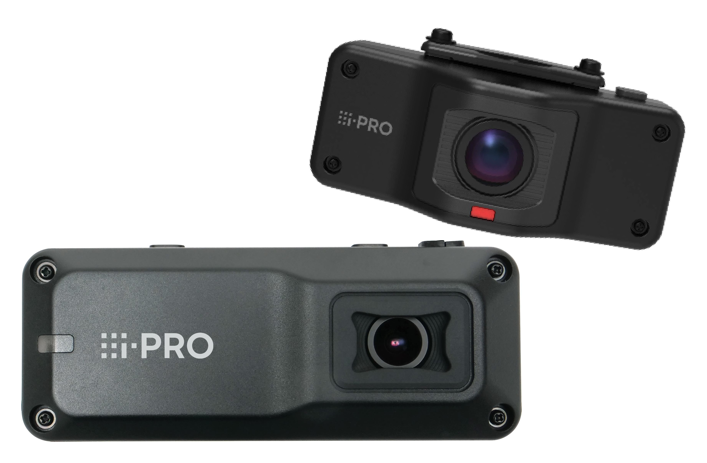
With vast experience in Panasonic evidence capture systems, configurations, large-scale deployments, and technical strategy, Tim brings three decades of service and expertise to the public safety sector.

Tim Cooney
radio wave accent image

FAQs

Looking for more details on evidence capture solutions? We have you covered. 
What types of evidence capture systems does BAYCOM offer?

BAYCOM provides a full suite of evidence capture tools, including body-worn cameras, in-car video systems, interview room recording, drone integrations, and digital evidence management platforms (DEMS) that centralize storage and streamline review.

Can BAYCOM’s evidence solutions integrate with our existing systems?

Yes. BAYCOM’s platforms are designed to integrate with CAD, RMS, and case management systems, making it easy to tag footage, attach evidence to reports, and support court workflows without duplicate entry.

How do BAYCOM’s systems support chain of custody and compliance?

BAYCOM’s solutions ensure secure file encryption, user authentication, and automated audit logs, providing a defensible chain of custody for every video, audio, or metadata file captured.

Can we access and share video evidence remotely?

Absolutely. BAYCOM’s cloud-based evidence platforms support secure access from any authorized device, making it easier for officers, investigators, and prosecutors to review footage, collaborate, and share files with external agencies or DA offices.

Does BAYCOM offer interview room or fixed-location capture systems?

Yes. BAYCOM installs fixed video/audio capture systems for interview rooms, booking areas, or interrogation spaces. Recordings are automatically uploaded and tagged for easy access in your evidence management system.

How do BAYCOM’s body-worn cameras enhance officer safety and accountability?

Body-worn cameras provide real-time documentation of field interactions. They improve transparency, protect officers from false claims, and can de-escalate tense situations while supporting accurate reporting.

Can we automate video upload and tagging to save time?

Yes. Many of BAYCOM’s systems feature auto-upload, GPS tagging, facial blurring, and other smart tools to reduce manual data entry, freeing up your team to focus on fieldwork, not paperwork.

Do BAYCOM’s solutions support drone video or mobile surveillance?

They do. BAYCOM supports drone integrations and mobile video systems for tactical teams or aerial views of crime scenes, traffic incidents, or large-scale events. Video can be linked directly into your central evidence repository.

What kind of storage options are available?

BAYCOM offers flexible options, including secure cloud storage, hybrid (cloud + on-premise), and full on-premise storage for agencies with specific data retention, budget, or policy needs.

What support does BAYCOM provide after installation?

BAYCOM delivers system training, user onboarding, and ongoing tech support. With SystemGuard, you also get preventive maintenance, updates, and repair prioritization, so your chain of custody tools stay compliant and operational.

Talk to an expert